
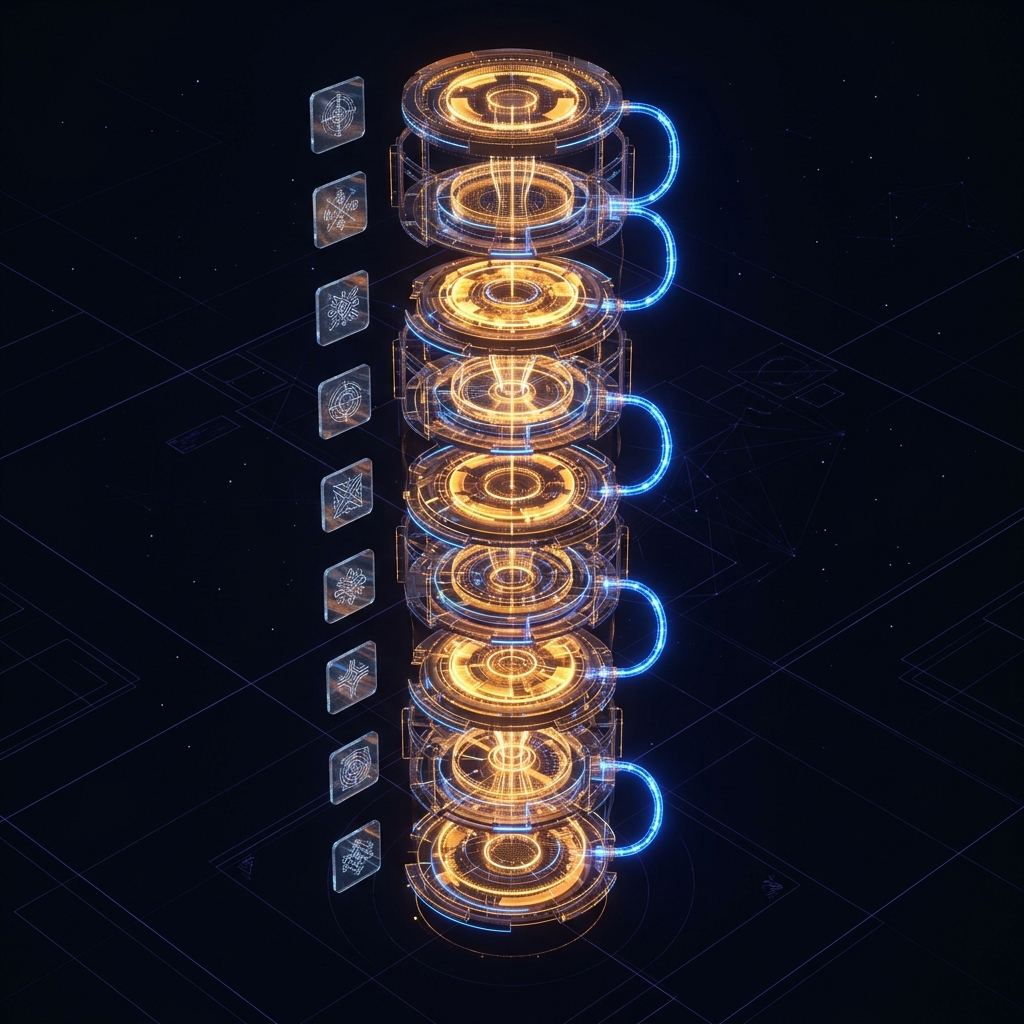
Ten stages. One pipeline. Every external API documented.
Every Blog MONKEE post runs the same production path. You approve the outline at stage 02. The other nine stages are automated, instrumented, and fall back gracefully when an upstream API blinks. Here’s every stage, every API, every fallback.
Scrape the live top-10 before writing a word.
Every blog topic starts with a Google search, performed by Blog MONKEE’s direct SERP scraper. We pull the top-10 organic results, their H2/H3 structure, their word count, and the questions in “People Also Ask”. This isn’t keyword research — it’s competitive reconnaissance. The outline generator reads this data so your post structurally out-paces the results you’re trying to beat, not just matches them.
Runs on a dedicated
serpScraper.ts worker. 5-second rate-limit guard between requests, 3 retries on failure.
Gemini 2.5 Pro drafts the outline. You approve.
This is the only stage where a human is in the loop. Gemini 2.5 Pro reads the SERP data, your client’s brand profile, and your topic, then proposes an H2/H3 outline with recommended word count and section angles. You see it in the dashboard, edit anything, reject, or approve. Approval triggers stage 03 immediately — no re-queuing.
Model configurable via
GEMINI_MODEL. Wrapped in a 120s timeout. GEO-optimization toggle restructures the outline around question-based headings that AI answer engines prefer.
1,500–3,000 words, brand-voiced, internally linked.
The approved outline expands into a full draft in a single Gemini call. The prompt includes your brand profile (voice guidelines, forbidden phrases, CTA style, reading level), the internal-link library (so 3–5 of your cornerstone URLs get anchor-text-relevant links in the body), and the outbound authority-link list (Wikipedia + top SERP competitors, with an RSS-feed fallback when those don’t meet the 2-link minimum). CTAs and contact info are explicitly prohibited from the generated content — those are added by the publish stage separately.
Post-generation,
cleanArtifacts() strips any leaked CTA phrases, meta-description lines, and bracket placeholders as a safety net.
One featured. Two in body. Cross-post deduplicated.
Fixed at three images per post — never two, never four. Gemini generates the image prompts from the draft. Blog MONKEE then resolves each prompt in priority order: your client’s S3 asset library first (with a public-read accessibility probe to avoid broken images), then Unsplash, then Pexels. Cross-post deduplication via the UsedImage table prevents the same image appearing on two of a client’s posts within the last 500.
Unsplash budget capped at 20 requests/hour to stay inside the free tier. Download-tracking ping on every Unsplash selection per their ToS.
TL;DR wrappers, definition lists, table structure.
The markdown draft gets converted to HTML, then post-processed by the semantic enhancer. Every H2 gets an implicit TL;DR wrapper around its first paragraph so AI answer engines can extract a section summary. Lists of definitions become <dl> definition lists. Comparison paragraphs that read like tables get converted to actual <table> markup. This is the work that moves you from “Google ranks the blue link” to “ChatGPT quotes your paragraph”.
htmlSemanticEnhancer.ts + CheerioPure TypeScript, no external API. Deterministic output.
4–6 FAQs, generated in one call, used in HTML and in schema.
Gemini drafts 4–6 FAQ pairs from the post body. The same FAQ objects get rendered twice: once as visible <details>/<summary> HTML at the bottom of the post, and once as FAQPage JSON-LD in the head. Never two generation calls for the same post — that was an early bug, now architecturally impossible.
Output JSON-validated — malformed responses fall back to safe defaults.
60-char title. 155-char meta. Written for click-through.
Gemini drafts the title tag (60 chars or less) and meta description (155 chars or less) as a separate call, informed by the post’s H1 and the first 200 words. The draft flows into your SEO plugin (Rank Math, Yoast) on WP publish — no manual copy-paste.
Output validated for char counts; over-long responses retry once, then truncate at word boundaries.
Article + FAQ + Video. Deterministic. Always valid.
The Article schema is built by a deterministic TypeScript function — not Gemini — so it’s schema-valid every time. It includes datePublished, dateModified, author, publisher, and featured image. The FAQ schema from stage 06 gets combined. If the post embeds a YouTube video, a VideoObject schema gets combined too. All three ship as a JSON-LD array in the head.
articleSchemaBuilder.ts + schemaCombiner.tsNote: Blog MONKEE ships Article + FAQ + Video. Elaborate schemas (HowTo, BreadcrumbList, Person, SpeakableSpecification, sitewide Knowledge Graph) are handled by our sister product Schema Monkee.
Flesch-Kincaid, passive voice, heading density.
Every post is scored before save: Flesch-Kincaid reading level, passive voice percentage, average sentence length, heading density (headings per 500 words). The scores save to the post’s seoAudit JSON field — no new table, no migration. You see them on the post card in the dashboard. Posts below your threshold (configurable per client) flag for review.
readabilityScorer.tsPure TypeScript, zero dependencies. Runs in ~12ms per post.
WordPress REST, IndexNow, WebSub — in parallel.
The finished post hits WordPress via the REST API with full image uploads (featured + body), schema, SEO metadata, and category assignment. The moment WordPress returns the public URL, three things fire in parallel and non-blocking: (1) IndexNow submission to Bing / Yandex / Yahoo / ChatGPT / Perplexity, (2) WebSub hub ping to Google’s PubSubHubbub endpoint so every RSS aggregator (Feedly, Inoreader, WP.com Reader) gets pushed, (3) cloud-stack re-generation if the post belongs to a stack. A failure in any one of these never fails the publish — the post is live regardless.
WP auth uses Application Passwords. Multisite installations auto-retry with URL-embedded credentials on 401.
Want to see the fanout coverage in detail? Read the fanout page →
Want it traced down to the real function names? See the full engine breakdown →
Run the pipeline on your own topic today.
Free to try. No credit card. Connect one WordPress site, pick a topic, and watch all ten stages run.